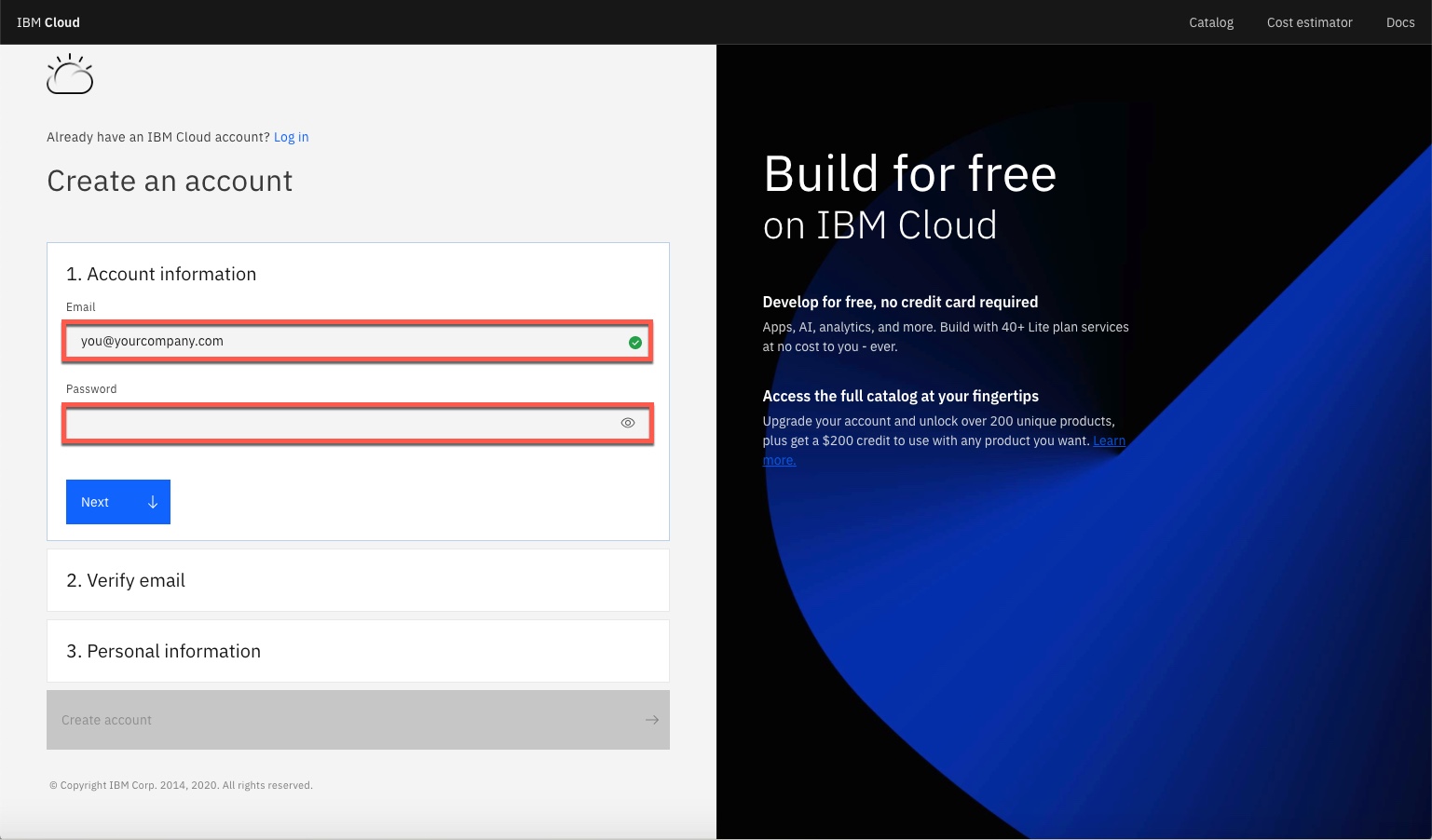
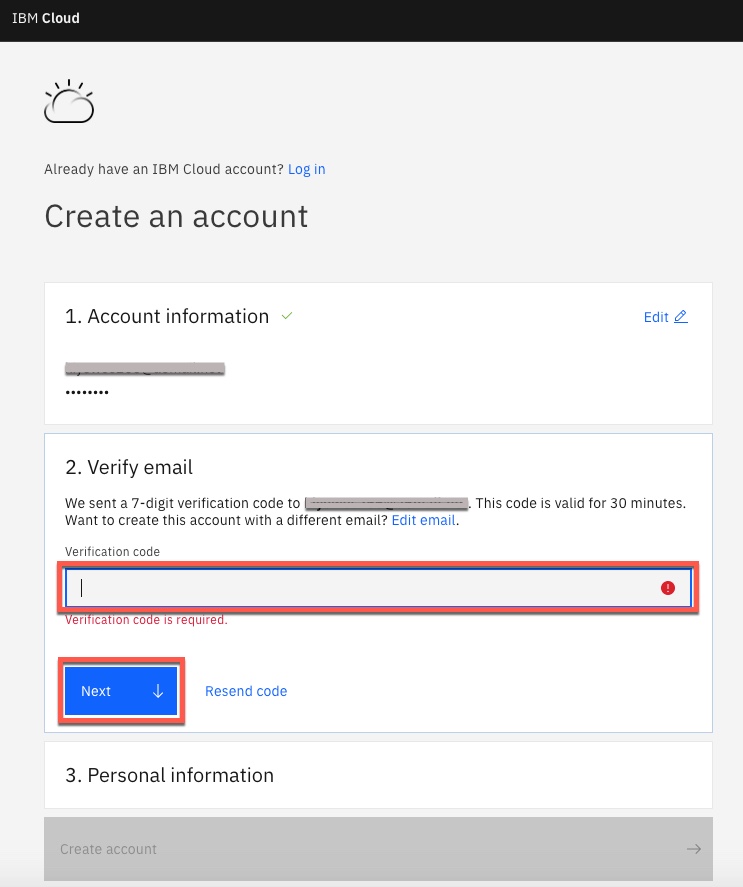
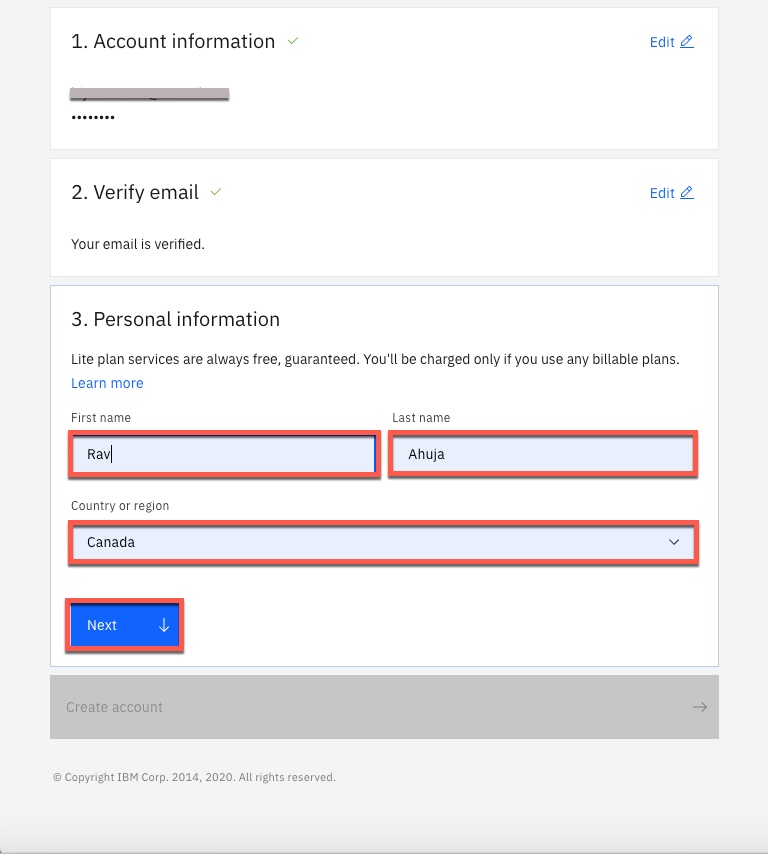
To access the resources and services that the IBM Cloud provides, you need an IBM Cloud account.
If you already have an IBM Cloud account, you can skip Tasks 1 and 2 and proceed with Task 3: Login to you IBM Cloud account.
Note: If you already have an IBM Cloud account, Login by going to https://cloud.ibm.com/login and skip ahead to Exercise 2.
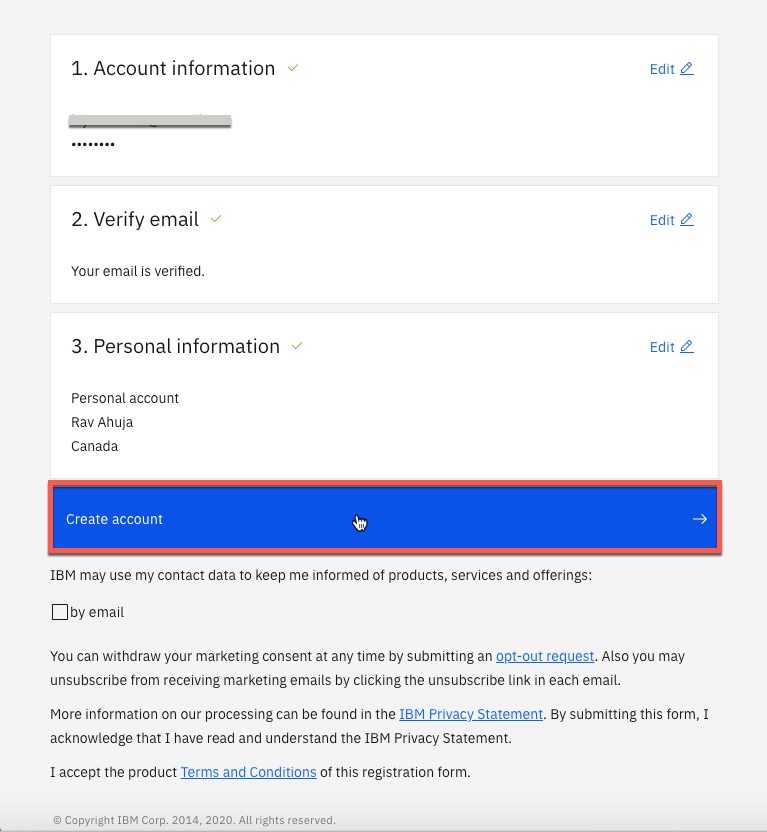
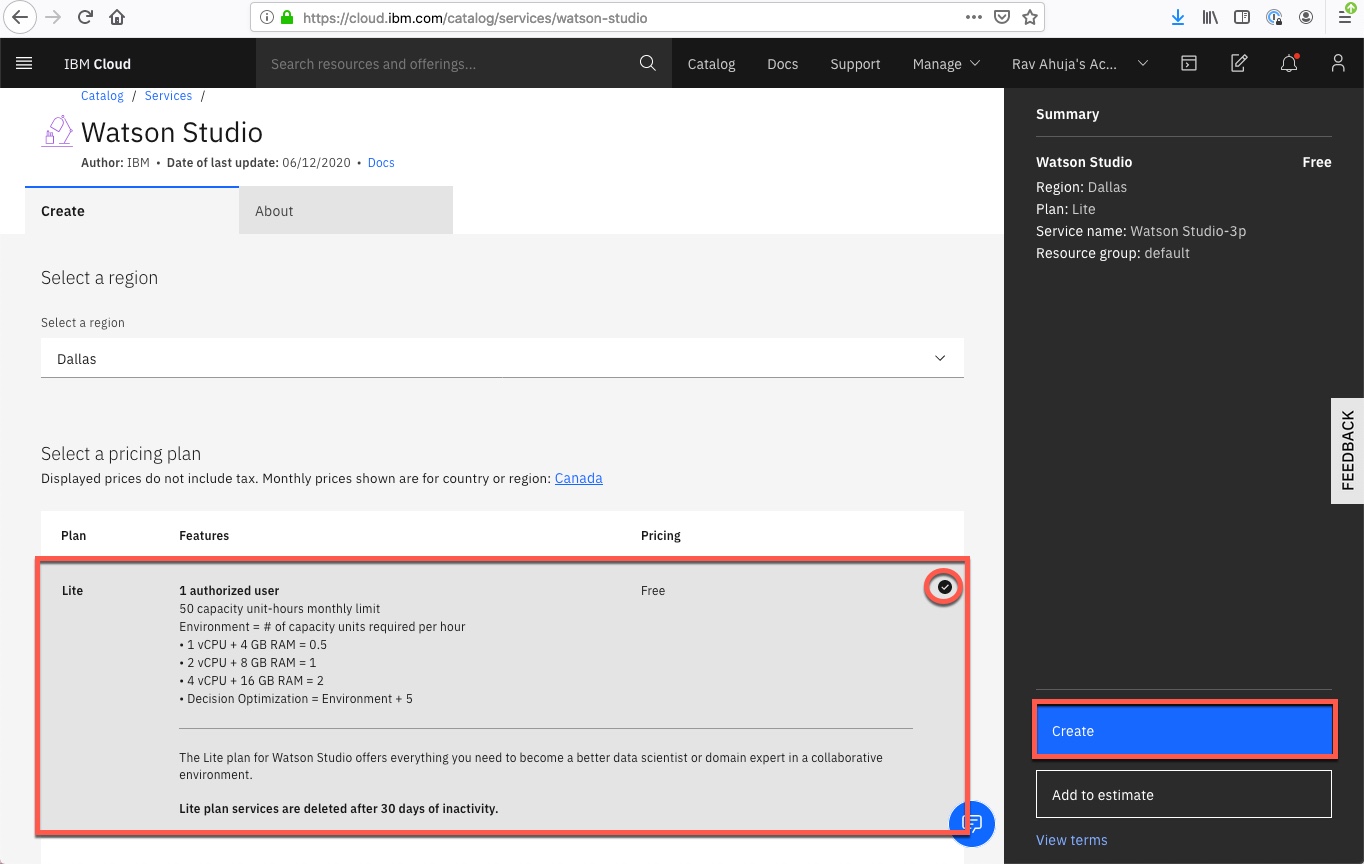
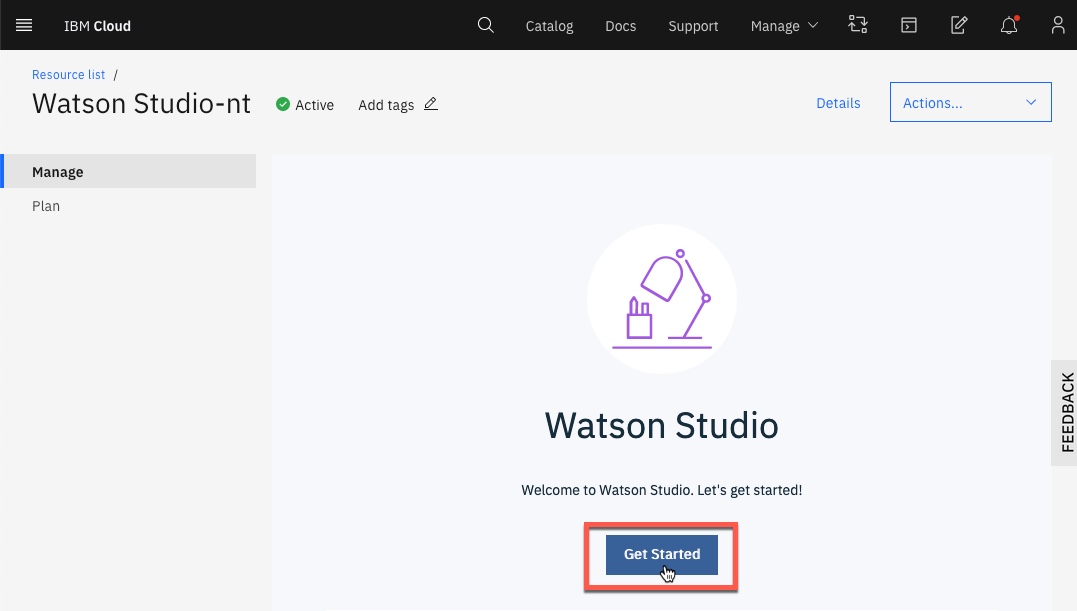
Watson Studio, which is available as a service on IBM Cloud, and a component of the IBM Cloud Pak for Data, allows you to build and collaborate on AI and Data Science projects. In this exercise, you will add an instance of the Watson Studio service to your IBM Cloud account.
Polong Lin
Rose Malcolm, Shubham, Aije Egwaikhide
| Date | Version | Changed by | Change Description |
|---|---|---|---|
| 2020-09-25 | 4.0 | Aije Egwaikhide | Forked from AI 101 Course and adapted for Stats 151 |
| 2020-09-22 | 3.0 | Rav Ahuja | Updated lab with new IBM Cloud screenshots and steps |
| 2020-09-15 | 2.0 | Shubham | Migrated Lab to Markdown and added to course repo in GitLab |
| 2020-11-19 | 1.5 | Rose Malcolm | Updated screeshots and few instructions |
| 2018-02 | 1.0 | Polong Lin | Created Lab |